About Vimeo Video Player
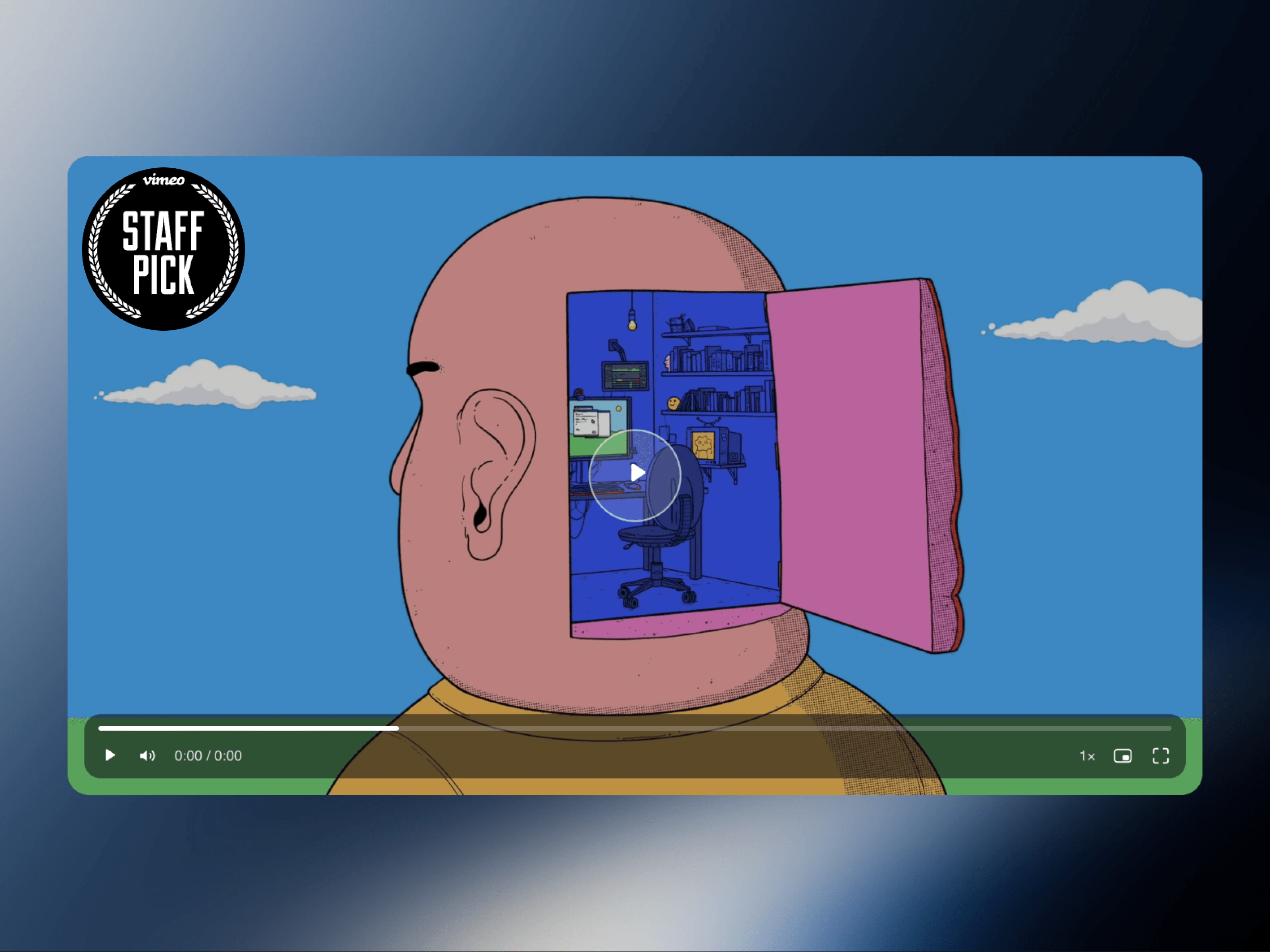
Vimeo Video Player is a polished, fully customizable video player for Framer, designed to give Vimeo content a clean, premium, and immersive presentation. Simply paste your Vimeo link and turn it into a responsive player with custom controls, flexible styling, smooth interactions, and performance-focused playback.
Features
Supports public, private-hash, channel, group, album, and standard Vimeo links
Autoplay, mute, loop, custom start time, and privacy mode
Custom poster image or automatic Vimeo thumbnail
Wide, classic, square, portrait, tall, cinema, and custom aspect ratios
Cover or contain video fitting with responsive sizing
Custom play button, radius, border, shadow, overlay, colors, and typography
Play, pause, volume, seek, buffered progress, and time display
Adjustable playback speed with custom speed options
Captions support with selectable language
Picture-in-Picture and fullscreen controls
Chapter markers with hover labels on the progress bar
Tap-to-play, double-click fullscreen, and keyboard shortcuts
Auto-hide or always-visible control bar
Lazy loading and configurable off-screen playback behavior
Why You’ll Love It
Gives Vimeo a completely custom look inside Framer
Keeps the experience clean without Vimeo’s default interface
Highly customizable directly from Framer property controls
Responsive across desktop, tablet, and mobile layouts
Performance-friendly with deferred loading
Works beautifully for both minimal and highly branded websites
Built for Creative Freedom
Your video should feel like part of the design, not an embedded element sitting inside it. Vimeo Video Player gives you the control to shape the entire viewing experience around your brand, from the poster and play button to controls, typography, chapters, and responsive proportions. Keywords: Vimeo Player, Vimeo Video Player, Framer Video Player, Custom Video Player, Vimeo Embed, Framer Component, Video Component, Responsive Video, Portfolio Video, Custom Vimeo Player.