About Airtable
Overview
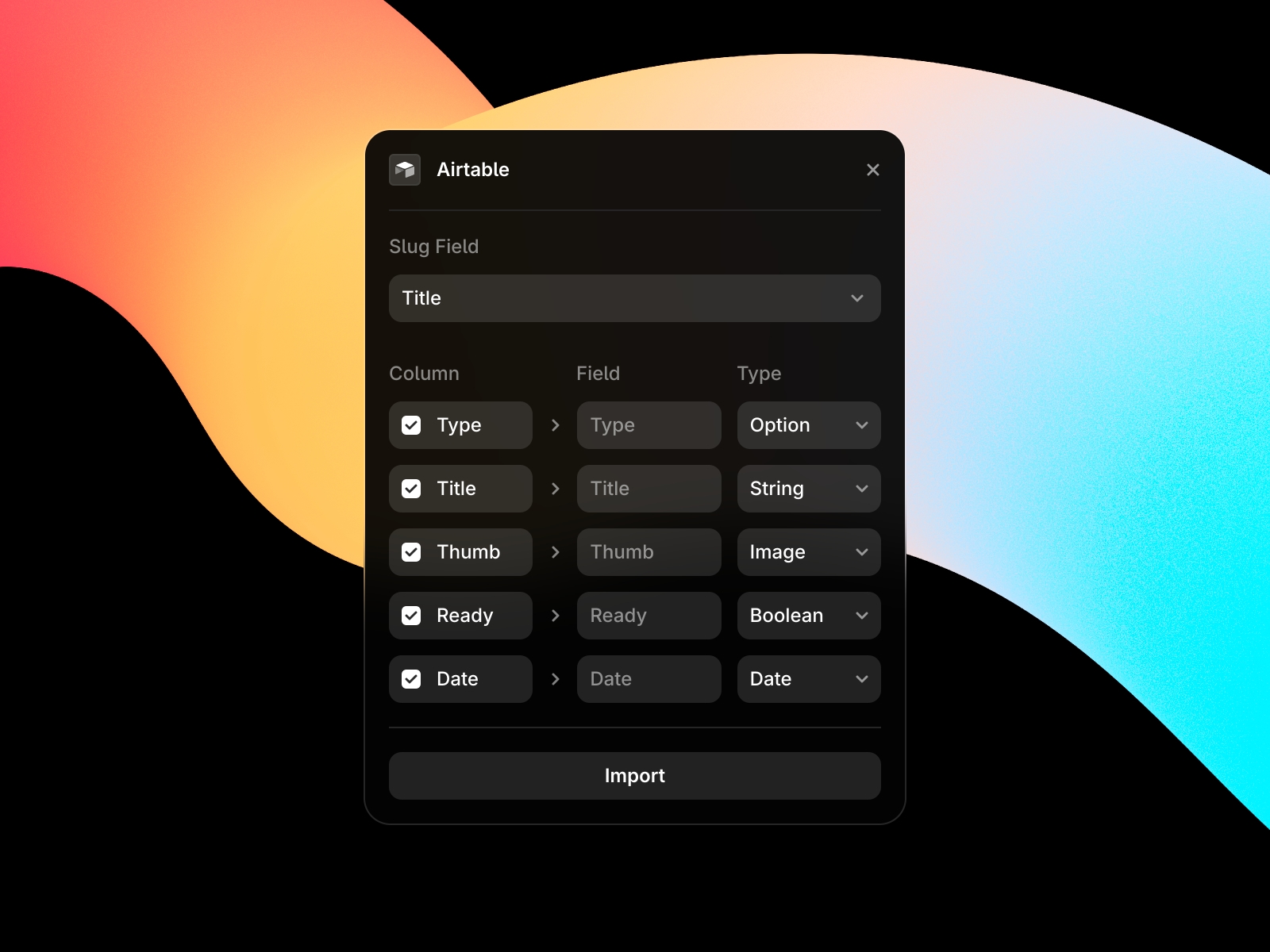
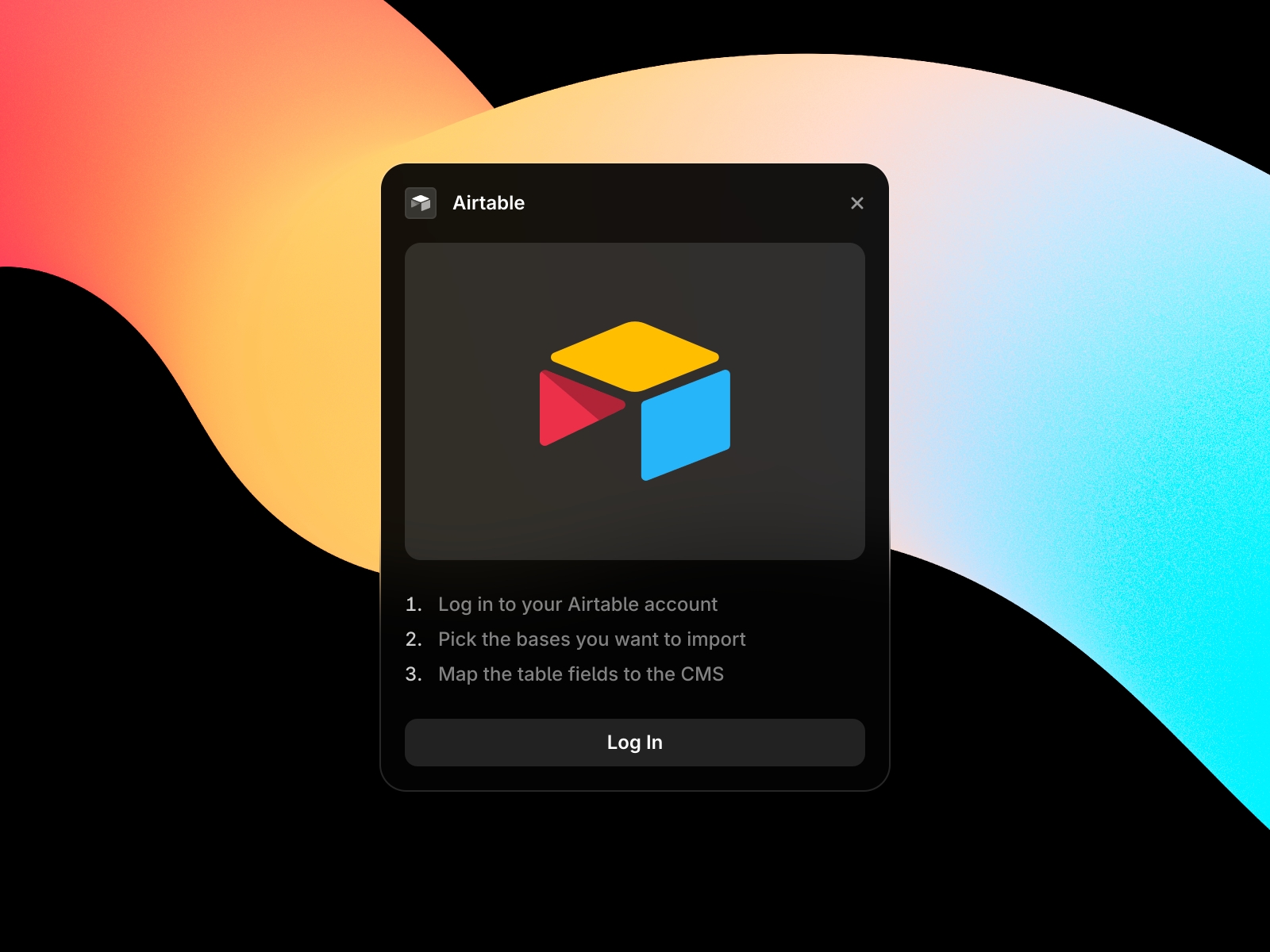
Sync your Airtable Bases directly with Framer CMS. Authenticate with Airtable, select a base, choose which fields to map to each CMS field, and click import. Once synced, the Plugin will remember the connected table and allow for syncing with one click. With support for References, Multi-References, Toggle, Color, Number, String, Image, File, Link, Date, and Gallery field types you can easily sync a wide range of use-cases into your Framer site.
Features
One click-syncing via the CMS Toolbar
Easy base & table selection dropdowns
Field mapping via the Manage button
Support for several field types