
About Password Gate
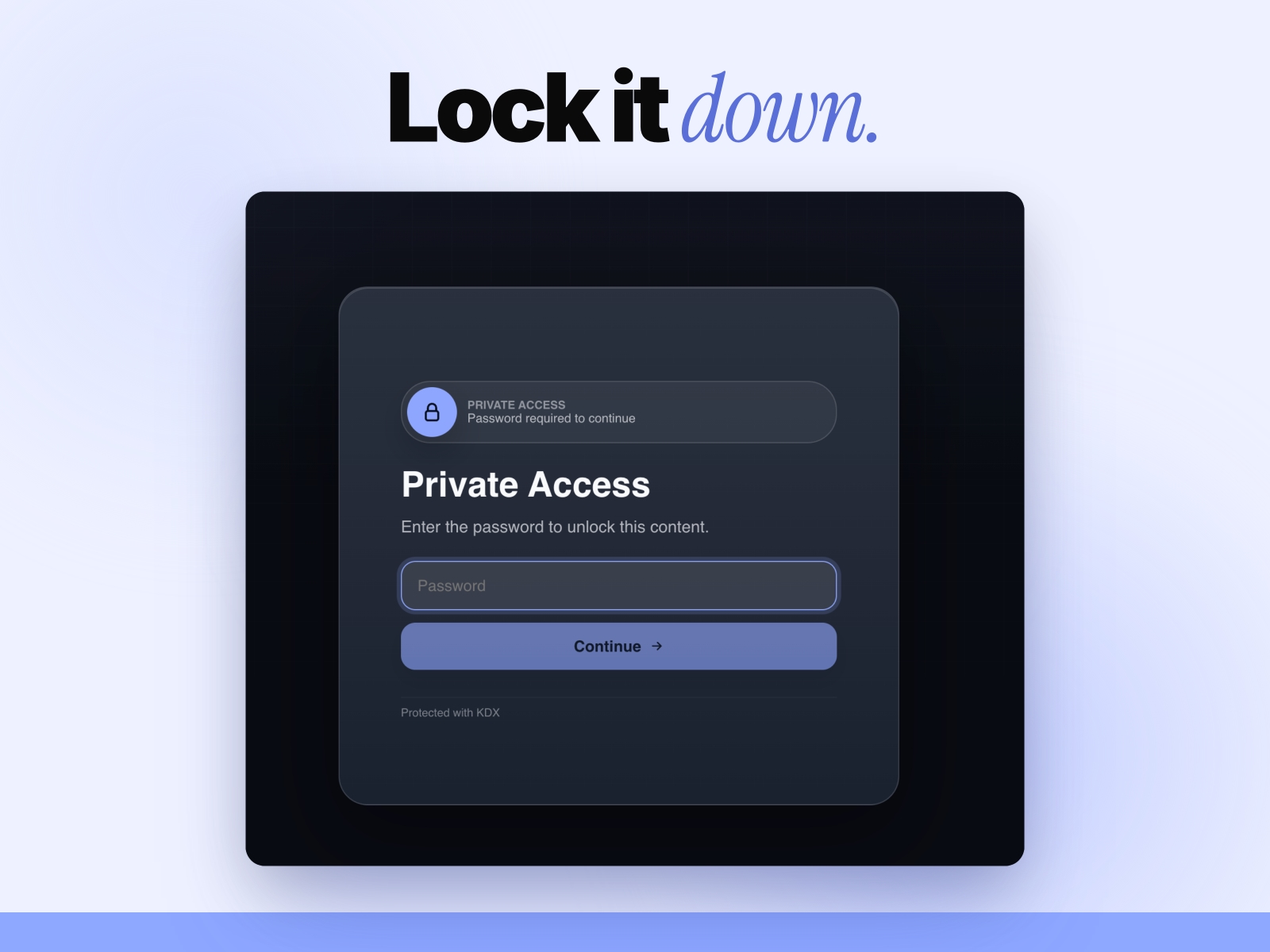
🔒 Full-screen password gates for Framer. One drop-in component, every private page.
Set a password, attach a frame or component, drop the gate. Visitors hit a polished full-viewport lock screen — your branding, your colors. No backend, no monthly fees, no code.
✨ WHAT YOU GET
• Full-viewport password gate, ready to drop on any page
• Content slot — attach any frame, stack, image, or component
• Image control for quick gated image reveals
• Custom title, subtitle, placeholder, button copy, error text
• Brand colors: primary, text, page bg, card bg, radius
• Remember-unlock mode (visitor stays unlocked across visits)
• Always-visible close button after unlock — never trap your visitors
• Refresh Existing Gates action — update older inserts in bulk
⚡ HOW IT WORKS
1. Open the Password Protect plugin in Framer
2. Select the layer (frame, stack, image, component) you want to protect
3. Enter a password (4+ characters)
4. Customize title, copy, colors, radius
5. Click "Insert Full-Viewport Gate" — the gate lands in Assets → Code Components
6. Drop on your page
🚀 FREE vs PRO
• Free — full gate, content slot, image control, custom copy + colors, remember mode, close button
• Pro ($19 lifetime) — adds attempt limits, redirect-after-unlock, no-remember mode, and editable footer text
🎯 WHO IT'S FOR
• Designers sharing private client previews and soft launches
• Agencies running internal demos and stakeholder walkthroughs
• Indie hackers gating beta showcases and resource downloads
• Anyone who wants a polished password screen without a backend
🛡 WHY THIS PLUGIN
• 100% client-side, zero backend
• Generated code stores a salted hash, not the readable password
• No third-party services, no API keys
• 30-day money-back guarantee
• Built by KDX Studios
Questions? 📩 thekhushaldewra@gmail.com