Framer vs Figma Sites: From design canvas to published website
Framer is an AI website builder for turning design ideas into live professional websites, with canvas editing, CMS, SEO, hosting, and publishing. For Figma Sites teams, it adds the complete website workflow needed to keep pages editable and growing after launch.












Framer vs Figma Sites: Design, CMS, SEO, and publishing compared
Feature | Framer | Figma Sites | What this means for you |
|---|---|---|---|
AI website building | AI creates editable, publishable pages | AI stays within a design-first workflow | Framer turns design work into live website updates |
Design workflow | Canvas connected to production pages | Website creation from the Figma design environment | Design in the same tool that publishes the site |
Framer Agents | Agents work on pages, CMS, SEO | No full website operations workflow | Use AI on the website, not only on design assets |
Design handoff | No rebuild between design and launch | Design work still needs a publishing workflow | Remove the mockup-to-production gap |
CMS and content | CMS content in live layouts | CMS and content operations are more limited | Keep launched pages editable after approval |
SEO and AEO | Metadata, FAQs, and page structure | SEO and AEO need separate website controls | Prepare answer-ready pages before launch |
Collaboration | Realtime site editing and Branching | Design collaboration before website publishing | Review changes where the site will actually ship |
Publishing | Hosting, SSL, redirects, CDN | Requires a hosting and publishing path | Turn design work into a production website |
Components | Reusable components on the site canvas | Reusable components in the design environment | Build systems that affect the live website |
Best fit | Teams shipping websites end to end | Teams creating sites from a Figma workflow | Choose Framer when the website is the deliverable |
Framer vs Figma pricing: plan-by-plan comparison
Plan | Framer | Figma | What this means for you |
|---|---|---|---|
Free | $0 with 500 AI credits and 1 GB bandwidth | Starter, free | Framer’s free plan publishes a real site |
Basic | $10/mo with custom domain, CMS, and built-in SEO | Professional, $16 per full seat/mo | Framer is per site; Figma is per editor |
Pro | $30/mo with staging, branching, and 10 CMS collections | Organization, $55 per full seat/mo | Framer Pro stays $30 as seats grow |
Enterprise | Custom pricing with SSO and unlimited editors | Enterprise, $90 per full seat/mo | A fixed per-seat rate vs a custom quote |
Why website teams choose Framer over Figma Sites


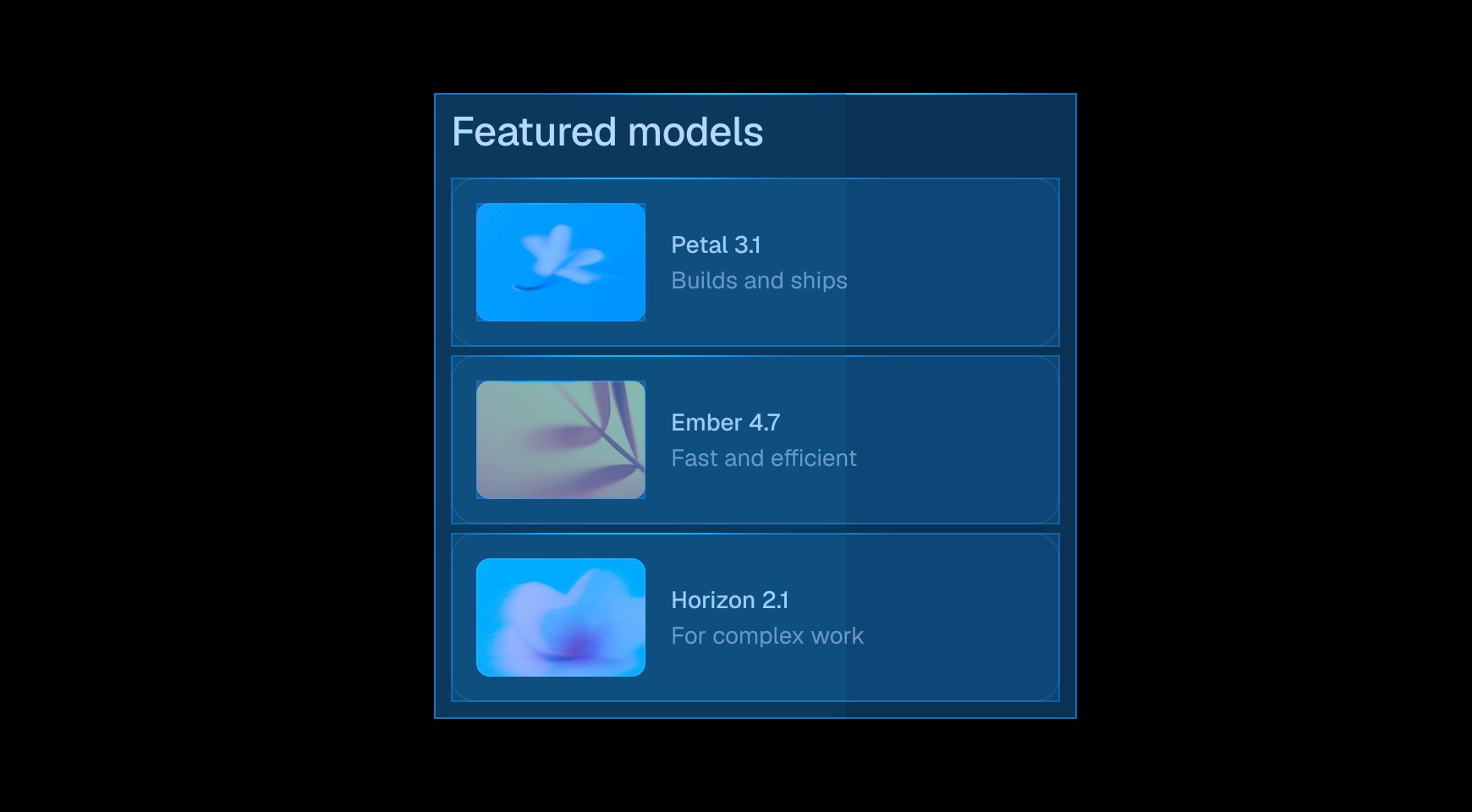

Framer keeps layout, breakpoints, interactions, and published output in one workflow. Designers can move from exploration to a production page without recreating the work in a separate website builder.




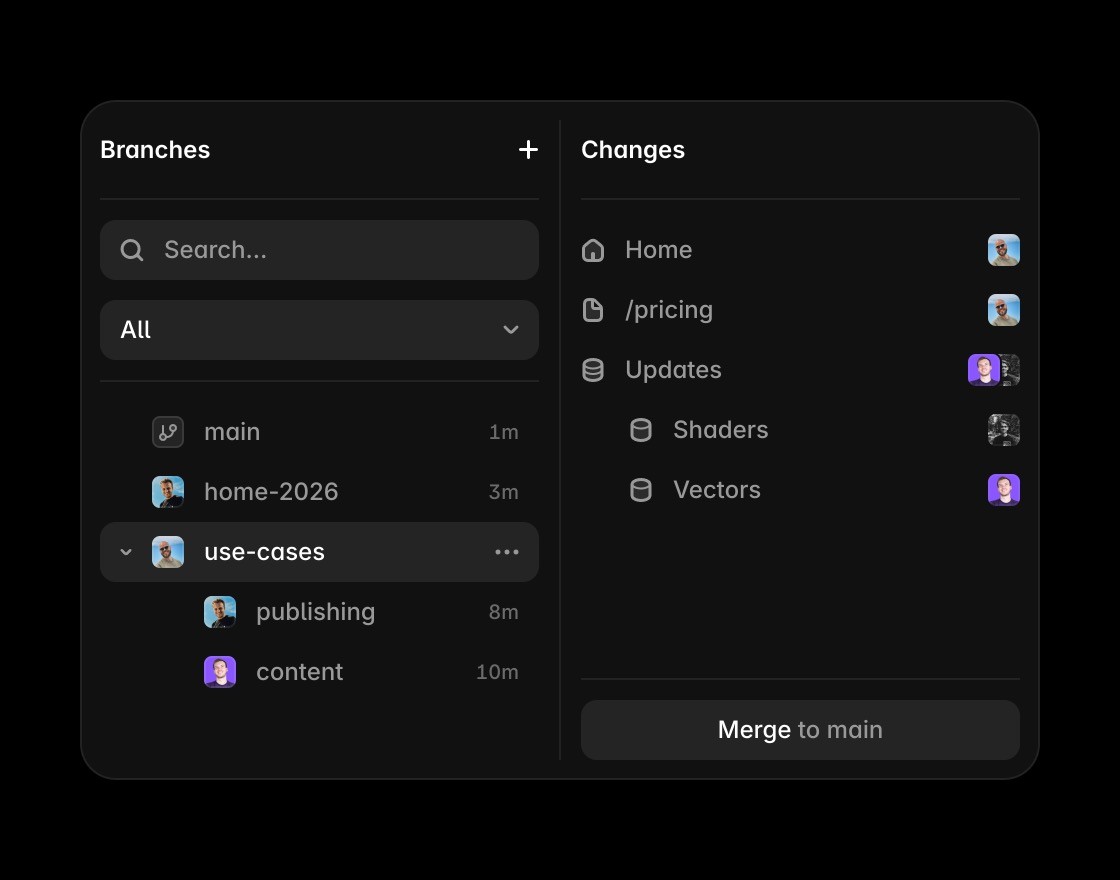
Branches let teams test a new page direction, review it in context, and publish the approved version. Feedback applies to the website visitors will use, rather than a prototype waiting for handoff.

Marketing teams can update copy, metadata, CMS entries, and page structure on the same canvas. Routine website work stays visible and editable without returning to a design file first.


Components, styles, CMS fields, and responsive behavior work together across the published site. Teams can protect brand consistency while adapting pages for new campaigns and content.
Go from design to live site
Framer turns AI-assisted website ideas into editable pages that can be refined and published beyond the Figma Sites design workflow.
Use Framer’s canvas when a Figma Sites comparison depends on precise control over responsive layout, type, components, and breakpoints.
Framer CMS adds structured content to the page workflow when Figma Sites pages need ongoing updates after launch.
Published Framer pages can carry metadata, headings, FAQs, and answer-ready content alongside the original visual design.
Framer includes hosting, SSL, CDN delivery, redirects, and publishing so Figma Sites work can become a live production website.
Use Framer resources to see how design systems, components, and examples become production websites.
Choose the canvas built for website operations



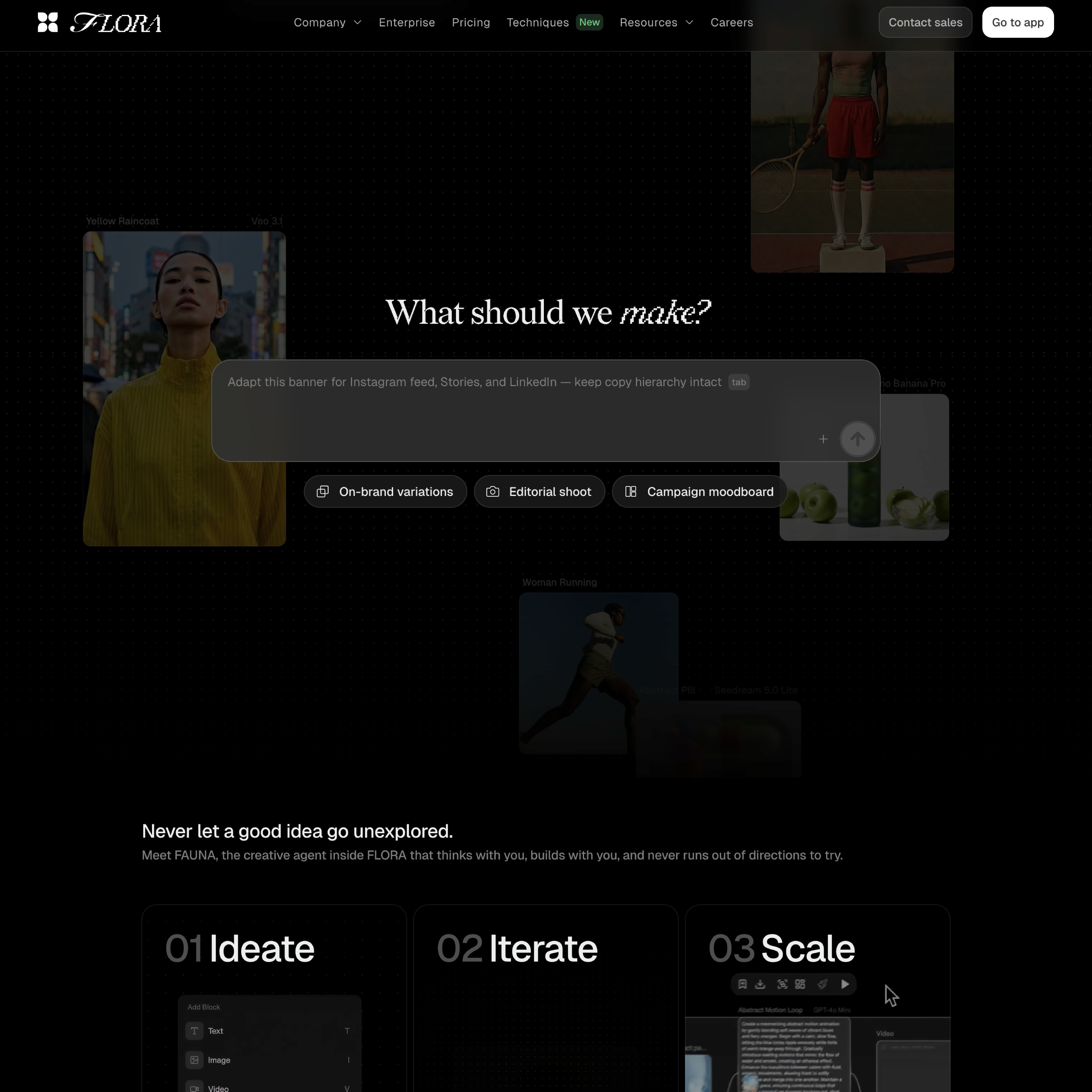



Compare Framer with other tools














Frequently asked questions
Is Framer better than Figma Sites for AI website design?
Framer is the better fit when an AI-assisted website needs to stay editable, responsive, and ready to publish. Figma Sites helps teams create websites from a design workflow, while Framer combines the visual canvas with CMS, SEO, hosting, Framer Agents, and publishing in one production website platform.
Can Framer replace Figma Sites for marketing websites?
Framer can replace Figma Sites for marketing websites, landing pages, resource hubs, and CMS-backed pages that need ongoing editing after launch. Teams can design on the canvas, manage structured content, optimize metadata, review changes, and publish without separating the website into a design step and a production step.
What makes Framer better for moving from Figma Sites to launch?
Framer keeps the visual design workflow connected to the live website. Teams can refine layout, type, breakpoints, CMS content, SEO, and publishing directly on the canvas, so the site continues to evolve without rebuilding approved designs in a separate website tool or handing routine changes to development.
How does Framer handle AI website design?
Framer handles AI website design by turning generated work into editable page sections, not static mockups. Teams can use AI to start faster, then adjust copy, layout, responsive behavior, components, CMS content, and SEO on the canvas before publishing the finished website and continuing to improve it after launch.
Why do teams choose Framer over Figma Sites for websites?
Teams choose Framer over Figma Sites when the website needs visual design control plus a full publishing workflow. Framer combines responsive canvas editing, CMS, SEO, hosting, collaboration, Framer Agents, and reusable components, so the site can keep improving after launch instead of stopping at the initial design.
Why use Framer instead of Figma Sites for a live website?
Framer is the better fit when the website needs to be designed, optimized, published, and maintained in one place. Figma Sites can be useful for design-led website creation, while Framer adds CMS, SEO, hosting, collaboration, and Agents for teams that need a complete website workflow.
